 CalendarKit
The best React calendar, with everything built in.
CalendarKit Pro is the complete React calendar. Five views, events created from a sentence, drag and drop, recurring events, time zones and a real phone layout. Free and MIT licensed.
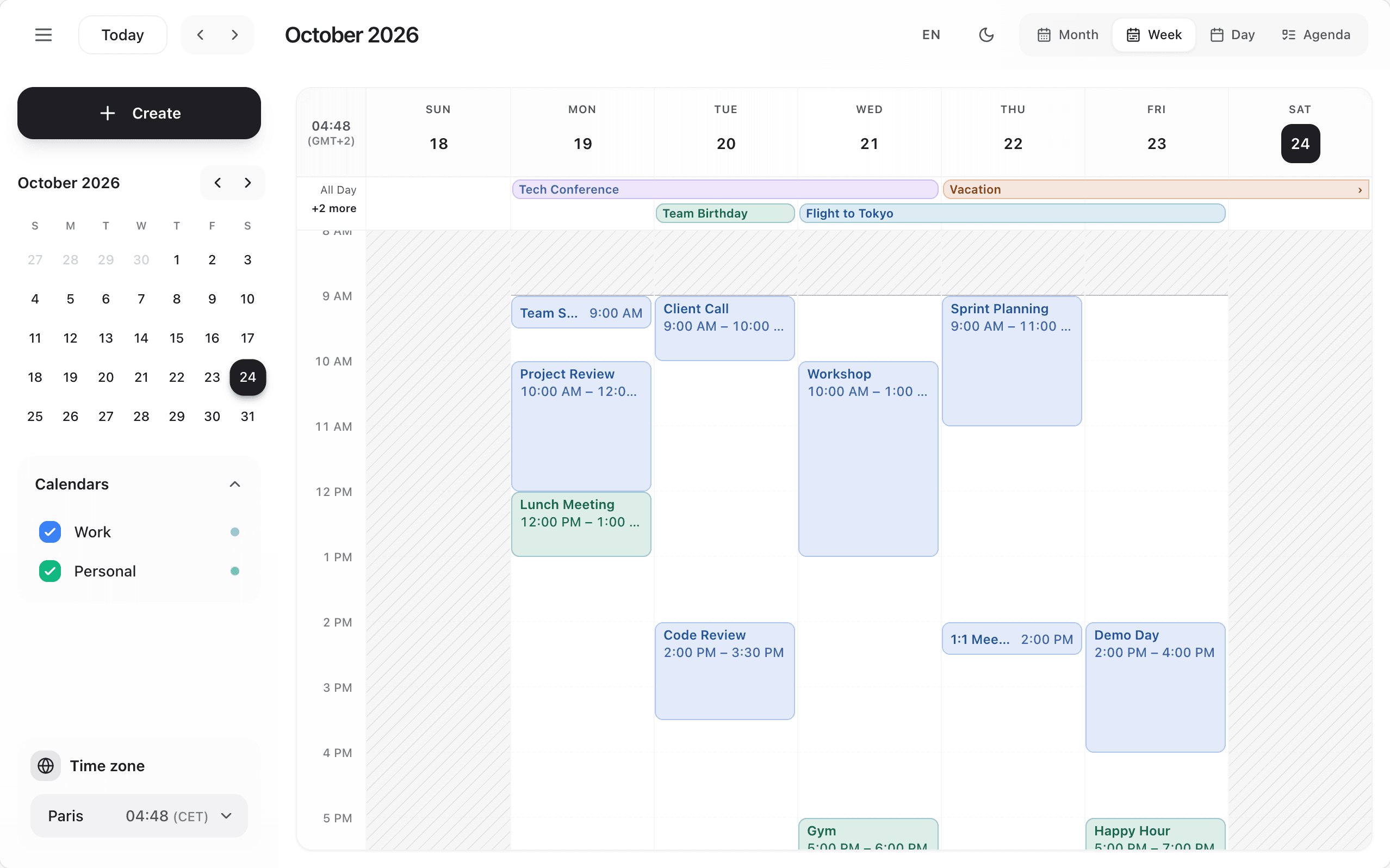
From a click to an event.
In one sentence.
No modal, no form. Type what you mean.
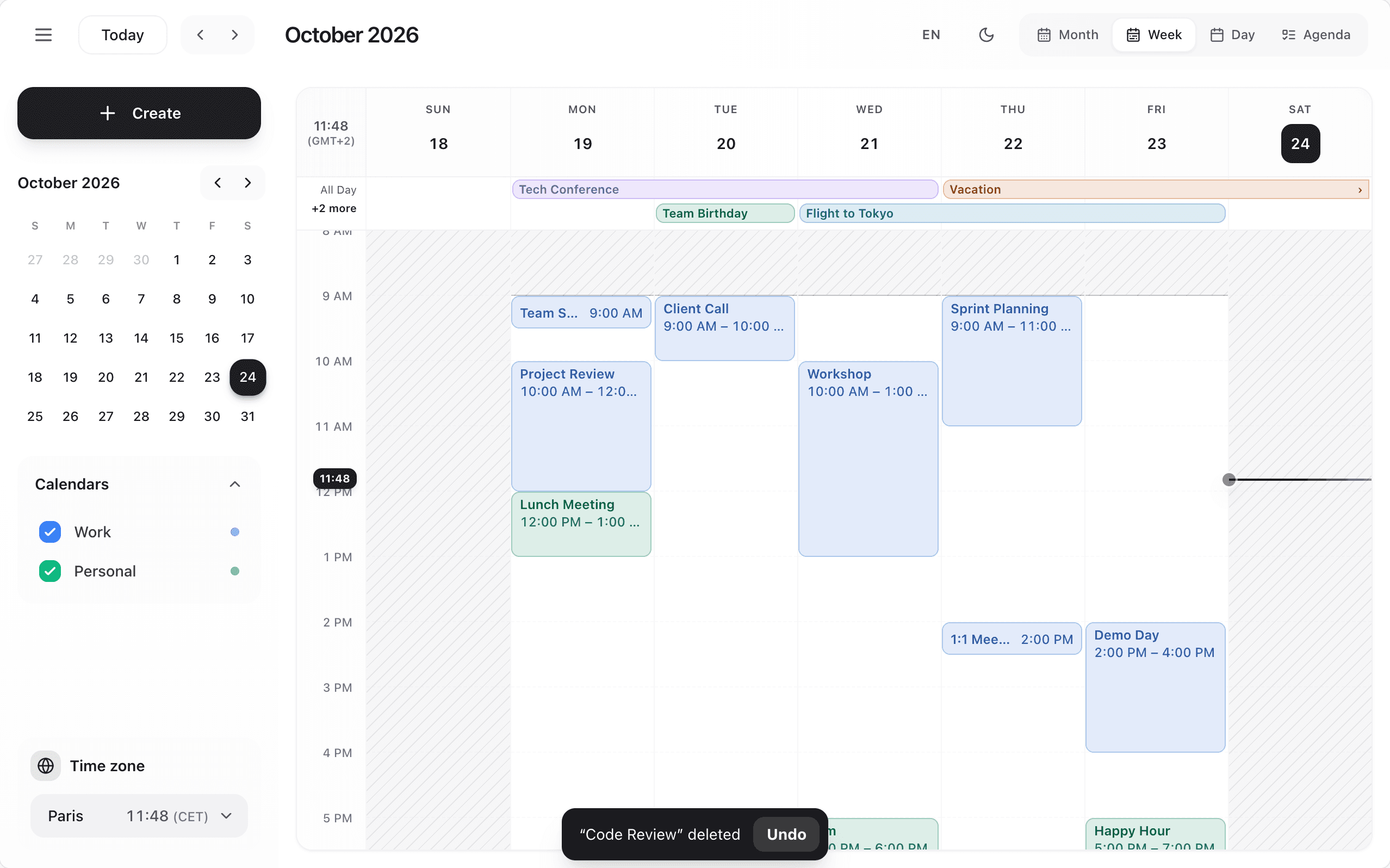
Beside, never on top
Overlaps announced
Nothing lost on close
Or bring your own form
Everything a calendar needs.
Nothing left to build.
Five views
Month, week, day, agenda and resource.
Drag and drop
Move and stretch, snapped to your slots.
Recurring events
Daily to yearly, steady across clock changes.
Time zones
Any IANA zone. All-day events never shift.
Time grid
Your hours, slot length and working hours.
Resources
Rooms, people and equipment on one timeline.
Places
Optional location suggestions, no key.
Three layouts. Three themes.
Light and dark.
Your brand
Every colour is a CSS variable.
Light and dark
Or follow the system.
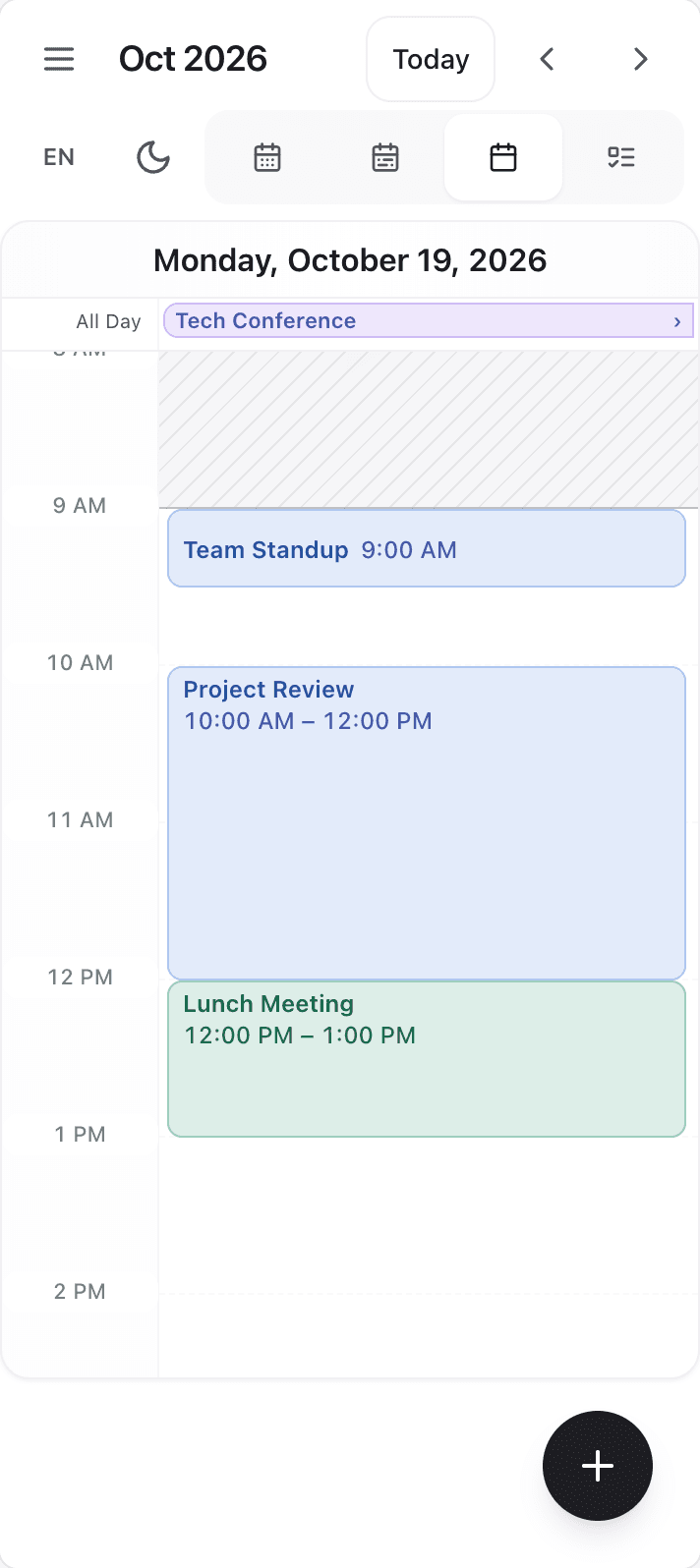
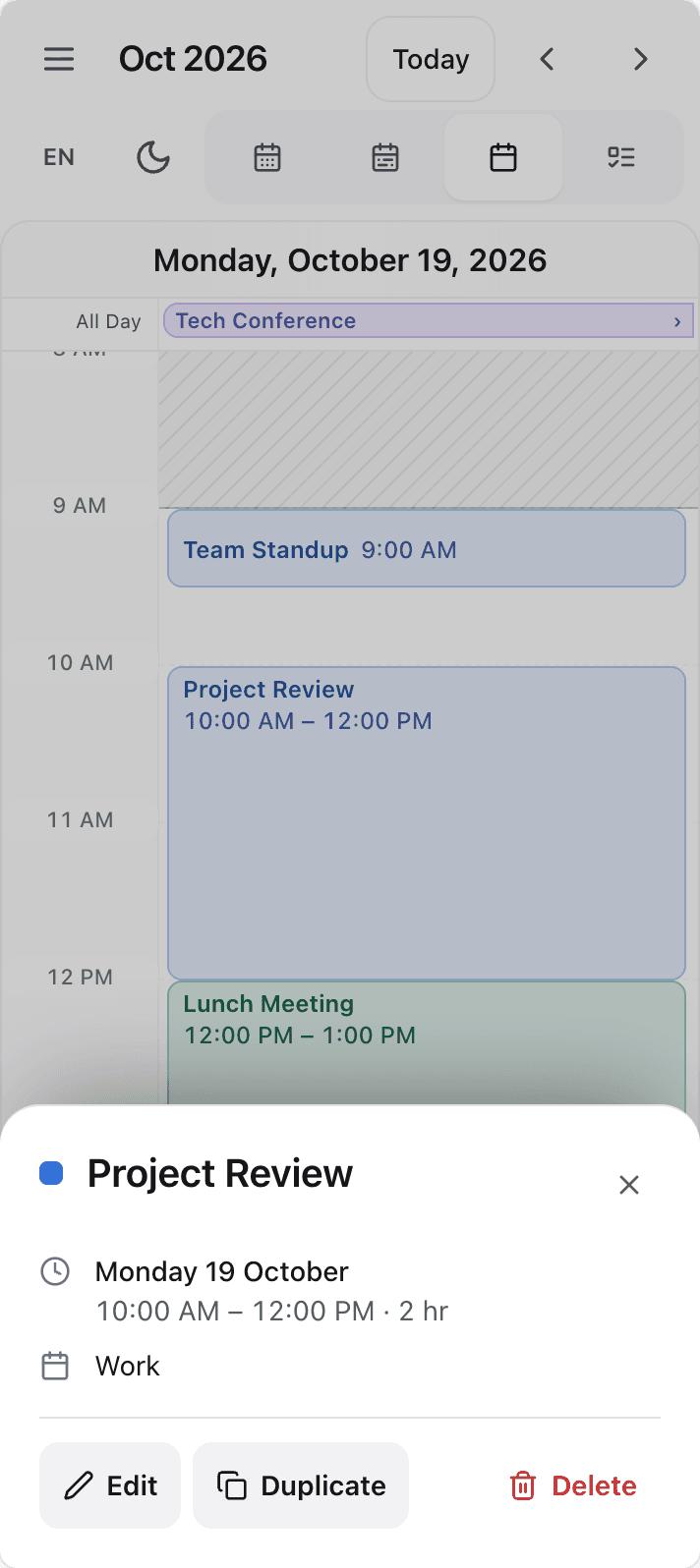
Works on every screen.
And for everyone.
Install. Import. Ship.
No CSS to set up.
import { Scheduler } from 'calendarkit-pro';

export function MyCalendar() {
  return (
    <div style={{ height: 720 }}>
      <Scheduler defaultEvents={events} onEventsChange={save} />
    </div>
  );
}

// The calendar fills its parent and keeps its events.
// onEventsChange gets the full list after every change.
import { useState } from 'react';
import { Scheduler, type CalendarEvent } from 'calendarkit-pro';
export function MyCalendar() {
const [events, setEvents] = useState<CalendarEvent[]>([]);
return (
<Scheduler
events={events}
onEventCreate={(event) => setEvents((list) => [...list, { ...event, id: crypto.randomUUID() } as CalendarEvent])}
onEventUpdate={(event) => setEvents((list) => list.map((e) => (e.id === event.id ? event : e)))}
onEventDelete={(id) => setEvents((list) => list.filter((e) => e.id !== id))}
/>
);
}// A Server Component page: no "use client" needed here,
// calendarkit-pro is marked "use client" itself.
import { Scheduler } from 'calendarkit-pro';
import { getEvents } from '@/lib/events';
export default async function Page() {
const events = await getEvents();
return <Scheduler defaultEvents={events} />;
}
// Renders on the server, hydrates without a warning. React 18 and 19.<Scheduler
theme="editorial"
mode="system"
layout="focus"
language="fr"
classNames={{ event: 'my-event', dialog: 'my-dialog' }}
components={{ EventContent: ({ event }) => <strong>{event.title}</strong> }}
renderEventForm={(props) => <MyEventForm {...props} />}
/>One component
Its own styles, scoped. Nothing leaks into your page.
Install
React 18 or 19. That's the only requirement.
Four entry points
Use the calendar, or build your own on its engine.
calendarkit-proThe calendar/coreEngine, no React/reactHooks and helpers/styles.cssThe stylesheet
Questions, answered.
In one sentence each.
Is CalendarKit Pro free?
Yes. It is MIT licensed: free to use in personal and commercial projects. Read more
Does it work with Next.js?
Yes. The package is marked "use client", renders on the server with React 18 and 19, and hydrates without a warning. Read more
Do I need Tailwind?
No. The calendar ships its own compiled, scoped stylesheet: nothing to configure, nothing leaks into your page. Read more
Does it support time zones and recurring events?
Yes. Any IANA time zone for display, and daily to yearly recurrence kept at the same wall-clock time across daylight saving. Read more
Does it work on phones?
Yes. Under 768 px of calendar width it switches to a phone layout with a drawer, bottom sheets and 44 px targets. Read more
Is it accessible?
Yes. Every event and slot is a named button, dialogs take the focus, keep Tab inside them and give it back, and it all works with Tab, Enter, Space and Escape. Read more
Can I use my own event form?
Yes. Pass renderEventForm and your form opens instead of the built-in one, in every layout. Read more